 Qrr
Qrr📸
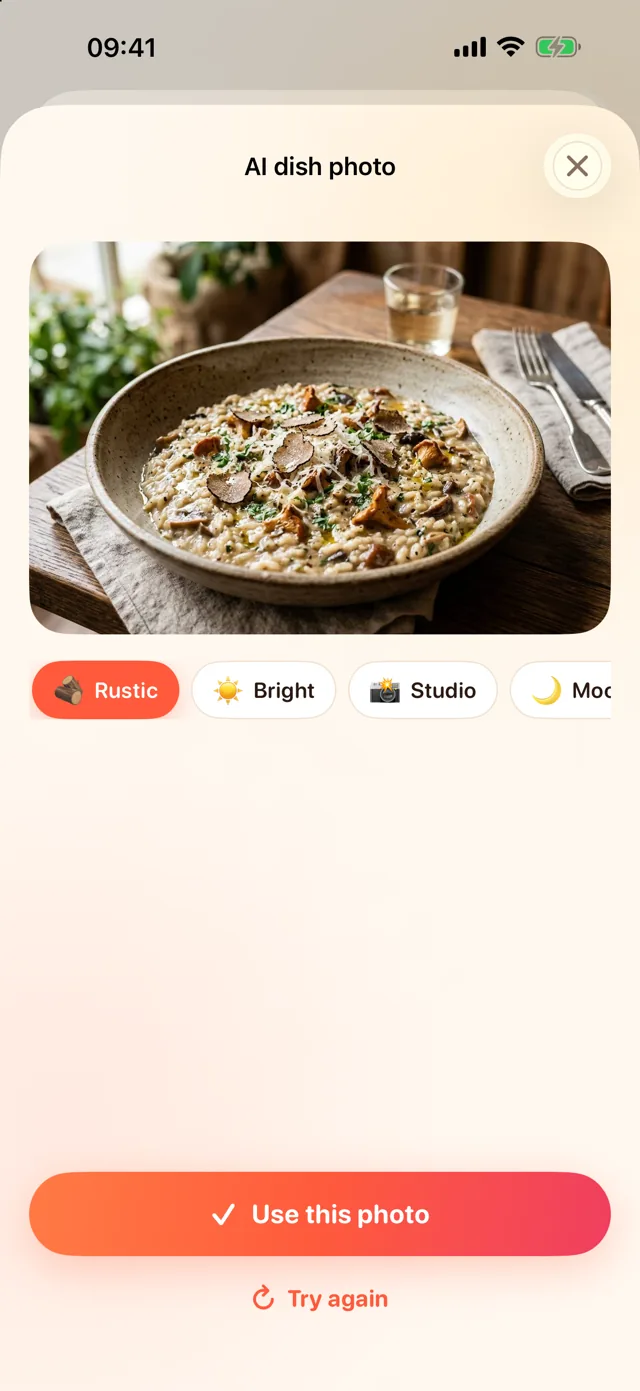
AI dish photos
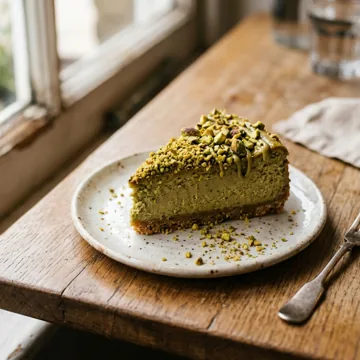
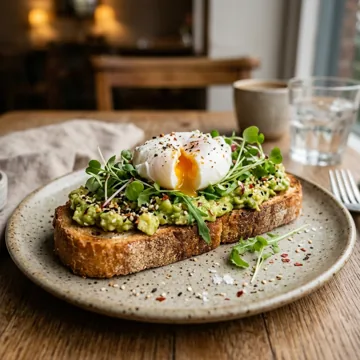
Rustic, bright, studio, moody or top-down. Professional food photos in one tap, no studio needed.
✦ QR menu generator for cafés & restaurants
Create a gorgeous digital menu on your iPhone, let AI make the dish photos and translate everything into 36 languages, then put a QR code on every table. Change prices anytime, never reprint again.
✦ How it works
No designer, no photographer, no translator. Just your iPhone.
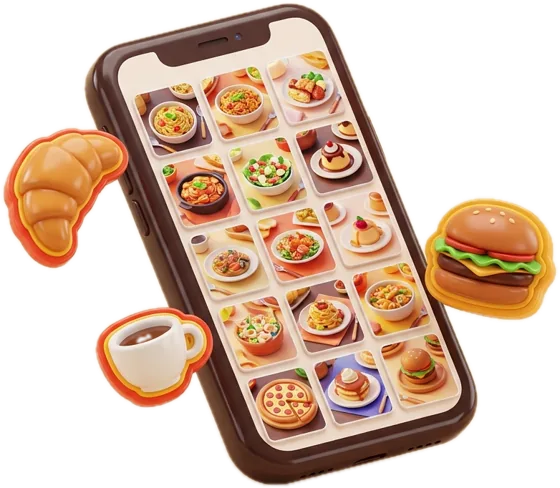
Type a name and a price. AI writes a mouth-watering description and lists the ingredients for you.
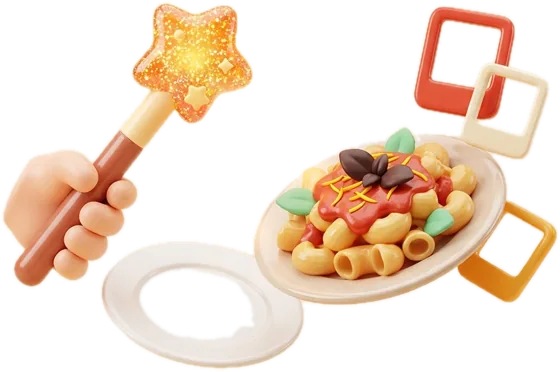
Generate realistic dish photos with AI or upload your own. Pick a theme, colors, font and add your logo.
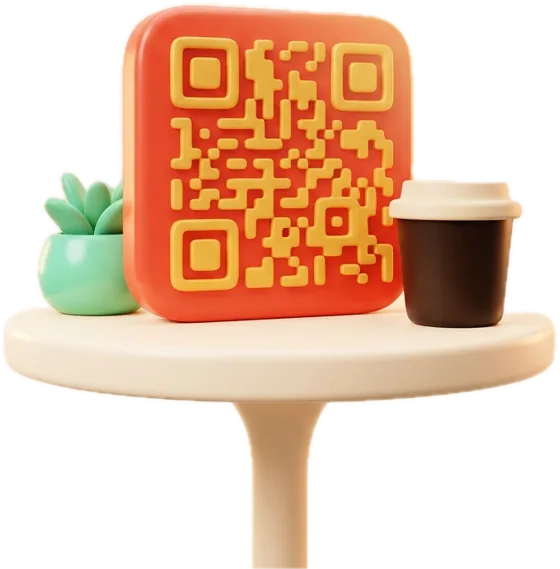
Create a code for every table, design table tents and stickers, then share, save or print them.
✦ Features
Rustic, bright, studio, moody or top-down. Professional food photos in one tap, no studio needed.
Appetizing copy and ingredient lists written for you, in your menu’s language.
Translate the whole menu instantly. Guests see it in their own language automatically.
Branded QR codes with your logo, cards, table tents and stickers. Print all as a PDF.
Change prices, mark a dish sold out or hide it. Every QR code shows the new menu right away.
See how many guests open your menu each day and which tables scan the most.
✦ Made for tourists
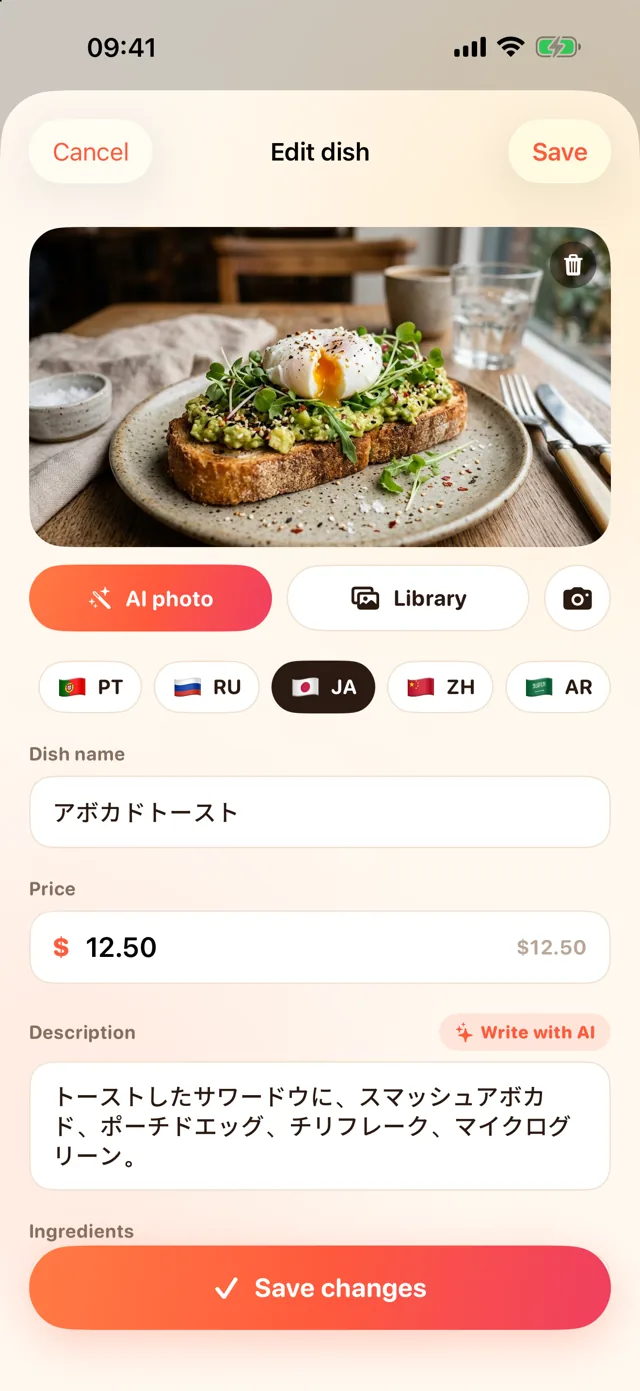
Write your menu once. Qrr translates dish names, descriptions, ingredients, opening hours and notes, and your guests switch languages with one tap.
✦ Live demo
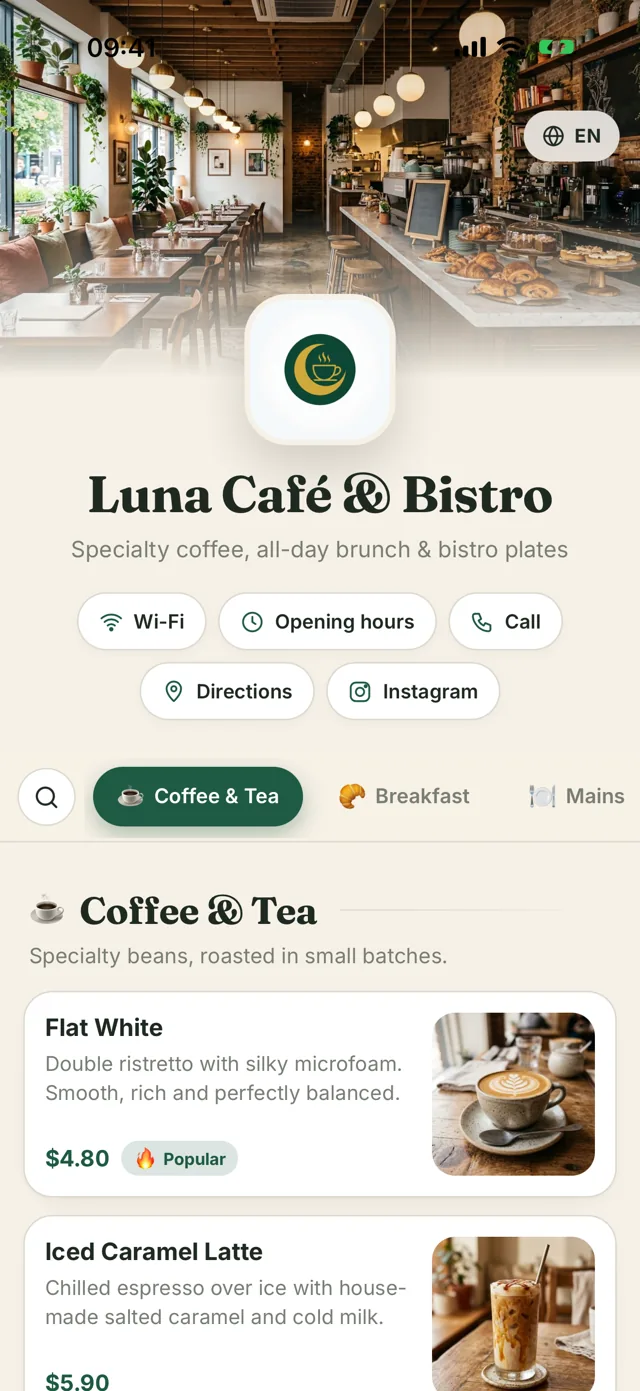
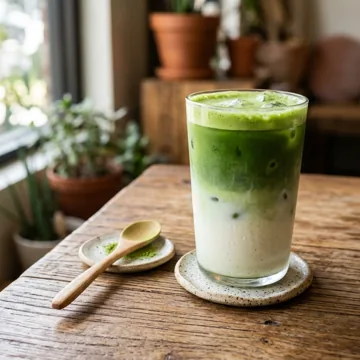
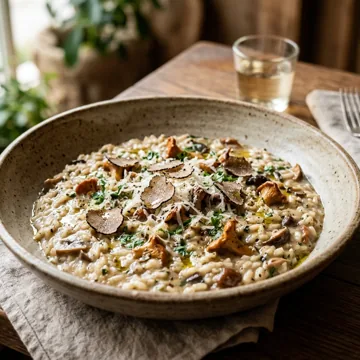
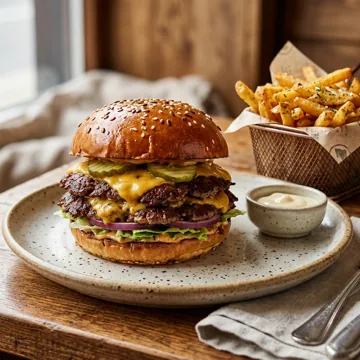
Open the real menu of our demo café to see what your guests will get: photos, labels like vegan or spicy, Wi-Fi, opening hours and 11 languages.


✦ Pricing
Start free. Upgrade when your full menu is ready to go live.
$0
$29.90 / year
$8.90 / month
Prices in USD; local prices are shown in the App Store. Subscriptions renew automatically until cancelled in your Apple Account settings.
✦ FAQ
No. Guests scan the QR code with their phone camera and the menu opens in their browser, in their language.
No sign-up. Your account is tied to your iPhone and comes back if you reinstall Qrr. To manage the menu from a second iPhone, use “Use on another iPhone” in Settings.
The change is live as soon as you save it. All QR codes you printed keep working and show the updated menu.
They are a great starting point and look professional, but you can edit every text and replace any photo with your own at any time.
Yes. Each table code is counted separately, so you can see which areas get the most scans.
In your iPhone Settings › Apple Account › Subscriptions. Need help? Email contact@apps.arslanturk.dev.